

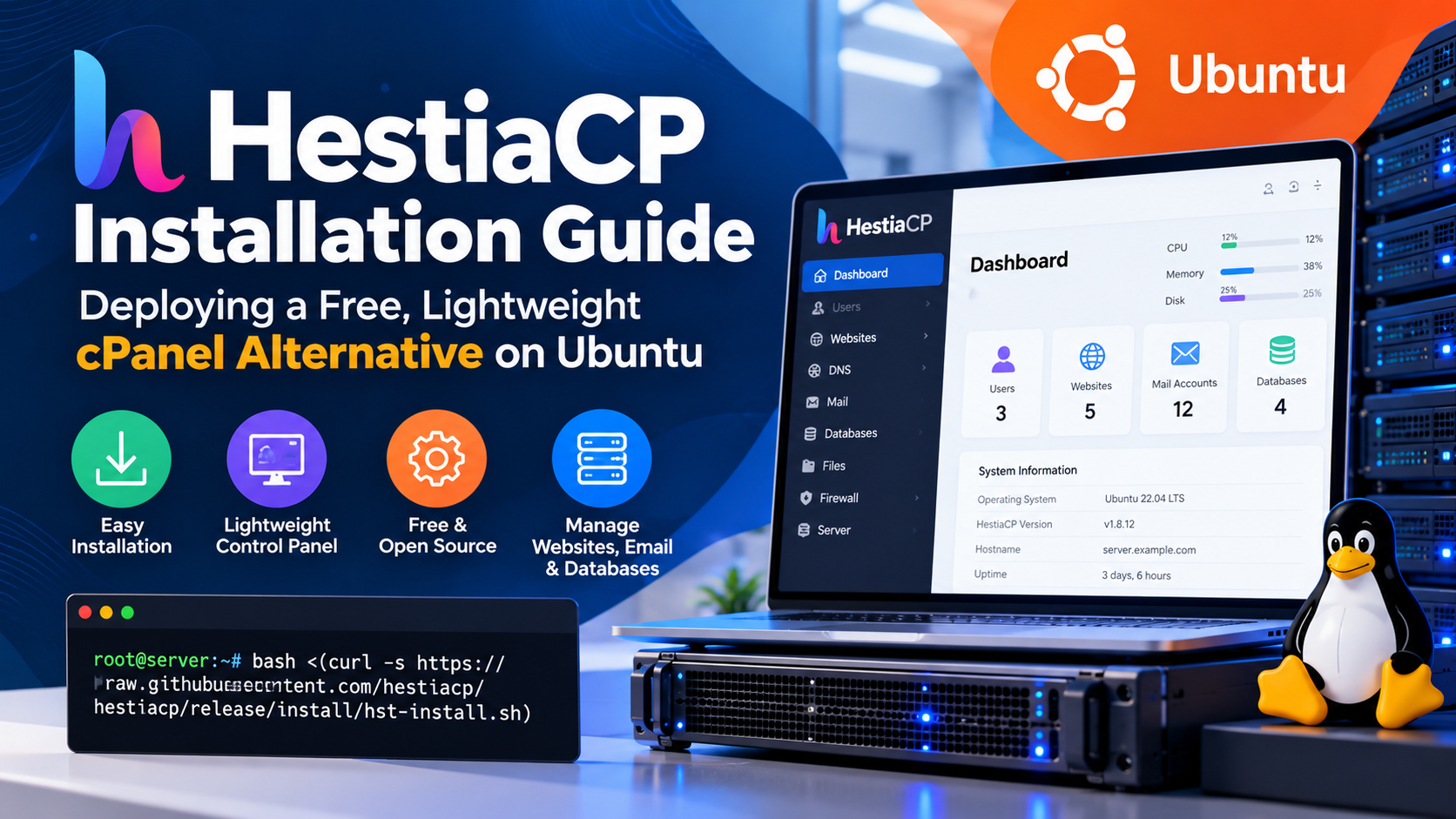
HestiaCP is a free, open-source web hosting control panel engineered as a fast, resource-efficient alternative to cPanel for Debian and Ubuntu servers. It features an automated shell installer supporting NGINX + PHP-FPM with built-in FastCGI caching, native Let’s Encrypt SSL automation, Multi-PHP version switching, and Exim/Dovecot mail services—consuming under 500MB of RAM on baseline deployment, making it ideal for budget and high-performance VPS setups.
SRE
Escalating licensing costs for commercial web hosting control panels like cPanel and Plesk have driven web agencies and independent developers toward lightweight, open-source alternatives. HestiaCP has emerged as the premier open-source control panel for Debian and Ubuntu servers, delivering a clean web interface, native multi-PHP version support, Nginx reverse proxying with FastCGI microcaching, integrated DNS management, automated Let’s Encrypt SSL certificates, and granular user privilege separation. This technical deployment walkthrough details how to execute a clean HestiaCP installation guide, configure high-performance web templates, harden server firewalls with Fail2ban and 2FA, manage multi-tenant web applications, and automate offsite cloud backups without paying recurring software license fees.
- The Economics of Control Panels: Breaking Free from Commercial Licensing
- Pre-Installation Environment Preparation and Clean OS State
- Customizing and Executing the HestiaCP Automated Installer
- Custom Web Templates: FastCGI Cache and Microcaching in HestiaCP
- Securing Management Port 8083: Two-Factor Authentication and Fail2ban
- Database Performance Tuning: MariaDB Thread Pool & InnoDB Buffer
- Fail2ban Custom Filter Configuration for WordPress XML-RPC and Login Protection
- Automating Remote Offsite Backups via SFTP and Cloud Storage
- Customizing PHP-FPM Pools, OPcache, and Redis Object Caching
- Automating Wildcard SSL Provisioning via Let’s Encrypt and DNS-01 API
- Enterprise Email Stack: Postfix, Dovecot, DKIM, DMARC, and Rspamd Tuning
- Frequently Asked Questions (FAQ)
The Economics of Control Panels: Breaking Free from Commercial Licensing
Over the past five years, private equity acquisitions of legacy control panels have led to dramatic per-account price increases, penalizing agencies hosting portfolios of smaller client websites. Running a traditional 50-account cPanel server now incurs hundreds of dollars in recurring software fees every month—often far exceeding the rental cost of the underlying server hardware.
HestiaCP (a modern, security-hardened fork of VestaCP) eliminates licensing overhead entirely under the GPL v3 open-source license. Engineered specifically for Debian and Ubuntu LTS, HestiaCP avoids bloated background processes, consuming less than 250 MB of resident RAM and allowing virtually all server compute resources to be dedicated to client workloads.
Deploying HestiaCP on UK VPS server hosting gives agencies the flexibility to host dozens of client portals and staging environments on high-speed NVMe storage without artificial per-domain license restrictions.
Pre-Installation Environment Preparation and Clean OS State
HestiaCP requires a completely pristine operating system installation. Installing HestiaCP on a server where Apache, Nginx, or MySQL was previously installed will cause port conflicts and aborted installation routines.
Begin with a fresh installation of Ubuntu 22.04 LTS or Debian 12. Reviewing our guide on Virtualizor VPS management explains how to re-image virtual instances with clean OS templates in one click.
Connect via SSH and set a fully qualified domain name (FQDN) for the server hostname:
Customizing and Executing the HestiaCP Automated Installer
HestiaCP provides an interactive installation script generator that allows administrators to select exact software stack components. For peak web performance, the recommended architecture combines standalone Nginx and PHP-FPM, bypassing the memory overhead of Apache. Download and execute the official installer with tailored parameters:
The automated installer will configure all package repositories, install PHP versions (7.4, 8.0, 8.1, 8.2, and 8.3), generate initial SSL certificates, configure MariaDB, and establish system firewall tables.
Custom Web Templates: FastCGI Cache and Microcaching in HestiaCP
A standout feature of HestiaCP is its flexible web domain templating engine. Rather than hand-editing Nginx configuration files for each client website, HestiaCP applies reusable Jinja/Bash templates located in /usr/local/hestia/data/templates/web/nginx/php-fpm/. For high-traffic WordPress websites, enable the wordpress_caching template. This template implements Nginx FastCGI microcaching directly in memory:
Under this template, anonymous visitor requests are served directly from Nginx RAM cache in under 20 milliseconds, dropping server load by 85%. When an editor publishes or modifies a post, HestiaCP triggers automated FastCGI cache purging, ensuring visitors see updated content immediately.
Securing Management Port 8083: Two-Factor Authentication and Fail2ban
By default, the HestiaCP administrative control panel listens on TCP port 8083. Exposing this port publicly invites automated brute-force attacks against the admin login interface. Harden the administrative interface with custom ports and Fail2ban:
Within the web panel, navigate to User Settings and enable Two-Factor Authentication (TOTP) for all administrative and client accounts. For deeper security controls, review our budget dedicated server security guide.
Database Performance Tuning: MariaDB Thread Pool and InnoDB Buffer Optimization
HestiaCP automatically installs and provisions MariaDB to manage MySQL databases. However, out-of-the-box configurations are tuned conservatively to guarantee stability on low-memory servers with 1 GB of RAM. To unlock optimal database throughput, modify /etc/mysql/mariadb.conf.d/50-server.cnf:
Setting innodb_flush_log_at_trx_commit = 2 writes transaction logs to the OS buffer cache on each commit and flushes them to disk once per second, dramatically accelerating write operations while preserving crash resilience on battery-backed NVMe storage arrays.
Fail2ban Custom Filter Configuration for WordPress XML-RPC and Login Protection
WordPress websites hosted across multi-tenant control panels are frequent targets of distributed brute-force attacks targeting wp-login.php and xmlrpc.php. These attacks consume worker threads and degrade PHP-FPM pool responsiveness. Create custom filter rules in /etc/fail2ban/filter.d/wordpress-auth.conf:
Activate this filter within /etc/fail2ban/jail.local:
Automating Remote Offsite Backups via SFTP and Cloud Storage
Storing website and database backups exclusively on the local hosting server violates basic disaster recovery protocols. If the primary storage drive fails or the VPS is corrupted, local backups are lost alongside live data. HestiaCP includes native CLI tools to automate remote backups over SFTP, FTP, or cloud object storage:
Customizing PHP-FPM Pools, OPcache, and Redis Object Caching
While HestiaCP provides excellent out-of-the-box performance, high-traffic production websites require fine-tuning PHP execution pools and database object caching. For e-commerce portals and dynamic web applications, edit the user’s PHP pool configuration in /etc/php/8.3/fpm/pool.d/user.conf to transition to a static worker pool:
Deploy Redis Object Caching using local Unix domain sockets rather than TCP network ports to eliminate handshake latency:
Automating Wildcard SSL Provisioning via Let’s Encrypt and DNS-01 API
Standard HTTP-01 Let’s Encrypt challenges cannot issue Wildcard SSL certificates (*.example.co.uk), which are essential for multi-tenant SaaS platforms and dynamic subdomains. HestiaCP supports DNS-01 validation challenges through API integrations with major DNS providers like Cloudflare:
Enterprise Email Stack: Postfix, Dovecot, DKIM, DMARC, and Rspamd Tuning
Self-hosting corporate email has a reputation for complexity due to strict spam filtering by major mail providers (Google, Microsoft). HestiaCP includes a complete mail suite combining Postfix (SMTP MTA), Dovecot (IMAP/POP3), and Rspamd (machine learning spam filter). When adding a mail domain, HestiaCP automatically generates a 2048-bit DKIM cryptographic key pair. Verify the records in your authoritative DNS zone:
📌 Frequently Asked Questions (FAQ)
Q1 Why is HestiaCP considered a top lightweight alternative to cPanel?
Q2 What are the minimum server requirements to install HestiaCP on Ubuntu?
Q3 How do you enable Nginx FastCGI caching in HestiaCP?
caching or wordpress_caching template. This enables automatic server-side full-page caching, allowing Nginx to serve cached dynamic content directly without executing PHP workers.
Q4 Can you run different PHP versions for different websites on HestiaCP?
Q5 Does HestiaCP include automated offsite backup capabilities?
Conclusion: Maximize Agency Margins with HestiaCP on Onlive Server VPS
By migrating from expensive proprietary control panels to HestiaCP, agencies and freelance developers eliminate recurring per-account licensing taxes while retaining full operational autonomy. With standalone Nginx FastCGI microcaching, MariaDB thread pooling, and automated Let’s Encrypt Wildcard SSL, HestiaCP provides enterprise hosting capabilities with minimal resource consumption.
Power your multi-site control panel infrastructure on Onlive Server UK VPS hosting, equipped with enterprise PCIe NVMe storage arrays, 1 Gbps / 10 Gbps network ports, and 24/7 technical infrastructure support.
